
Installation
Install B2B Draft Order Invoices from the Shopify App Store, pick the plan for your Shopify tier, and get set up in a few minutes.
Prefer to watch? This video walks through the whole installation, then shows the app in use. The written steps follow below.
Install the app
- Open the B2B Draft Order Invoices listing on the Shopify App Store.
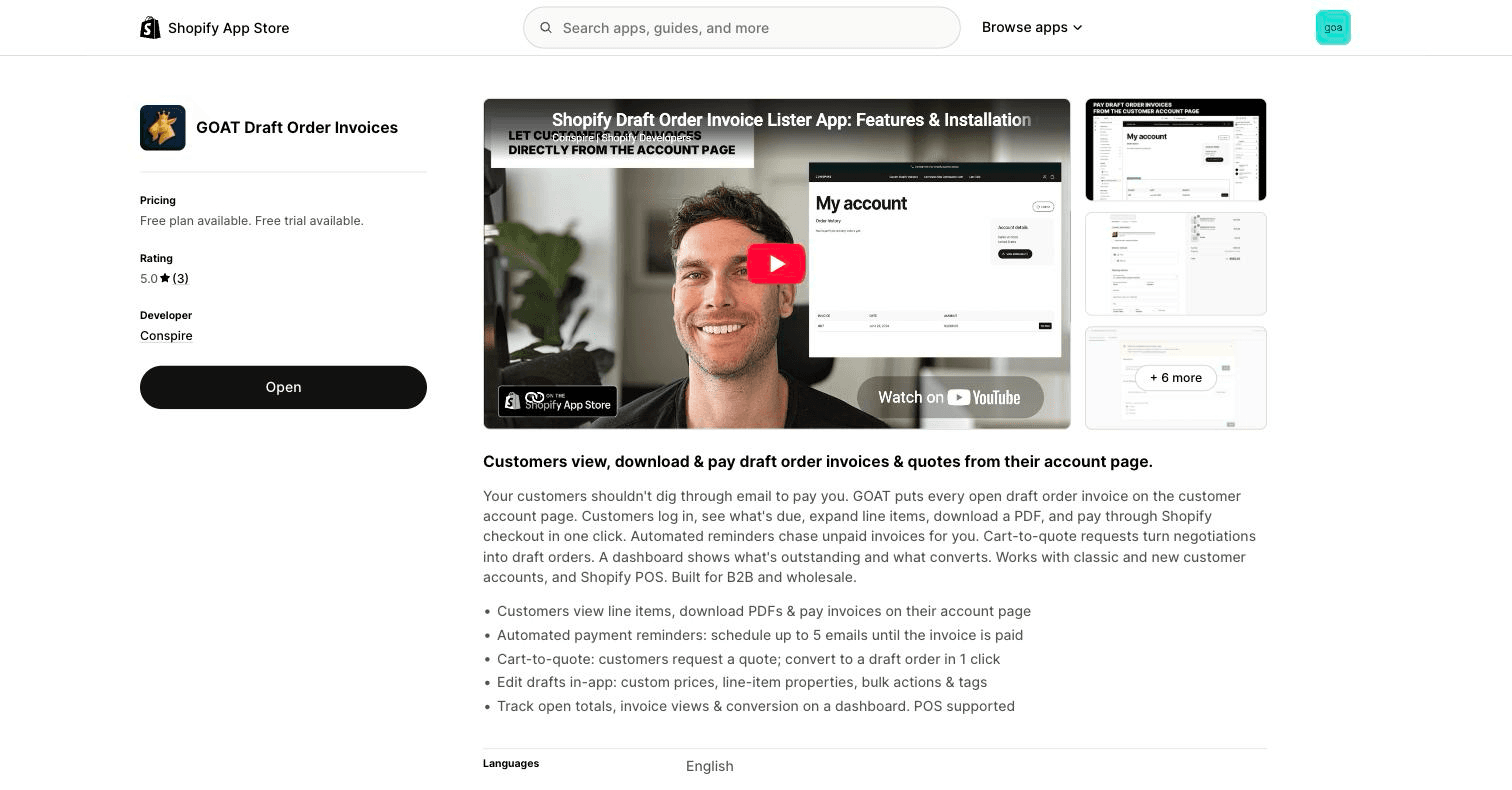
- Click Install and approve the requested permissions. The app needs access to draft orders, orders, customers, products, and themes to sync invoices and power the storefront widget.
- After installation the app opens inside your Shopify admin. The dashboard shows your open invoice total, drafts created, invoice views and conversions, plus quick links to quote requests and reminders.
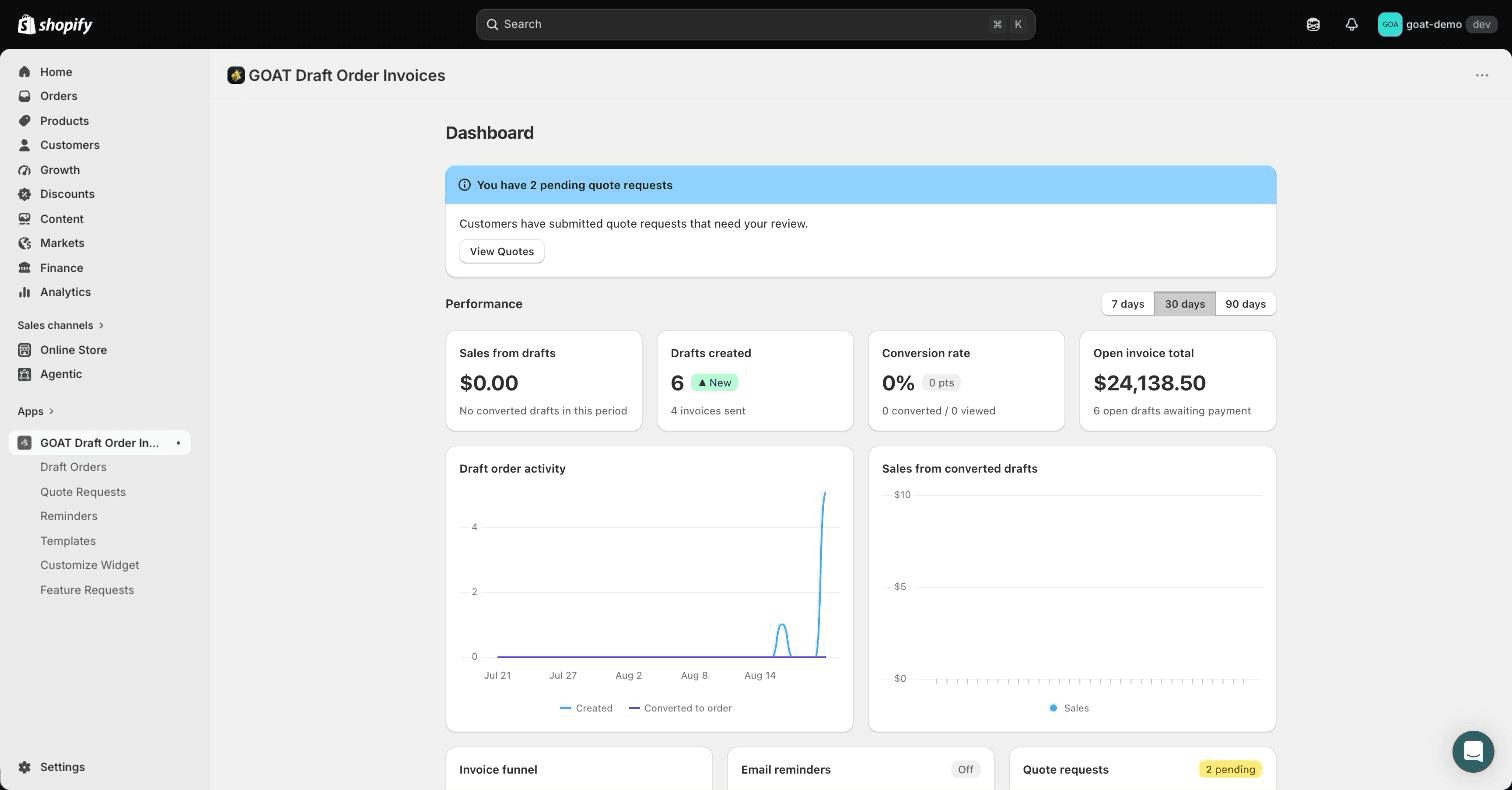
Draft orders sync automatically
As soon as the app is installed it subscribes to your store's draft order webhooks. Draft orders you create, update, or delete in Shopify are mirrored into the app automatically. There is nothing to import and no ongoing maintenance: the app's dashboard and the storefront widget always reflect your current draft orders.
Plans and billing
The app uses Shopify's native app pricing: you pick a plan on Shopify's plan-selection page when you install, and charges appear on your regular Shopify invoice.
- Free plan: full admin access, with customer-facing surfaces (the account-page widget and customer account extensions) limited to a customer's 5 most recent open invoices.
- Paid plans: remove the open-invoice display limit and include a free trial.
See the App Store listing for current plans and pricing. You can change plans at any time from the app.
Next steps
Draft Order Invoices Documentation
Documentation for B2B Draft Order Invoices, the Shopify app that shows draft order invoices on customer accounts, with payment reminders and invoice PDFs.
Enabling the theme widget
Turn on the B2B Draft Order Invoices app embed and add the open invoices table to the customer account page of your Shopify theme.