
Sending your first invoice
Create a draft order in Shopify, send the invoice to your customer, and track it from sent to paid with B2B Draft Order Invoices.
1. Create a draft order
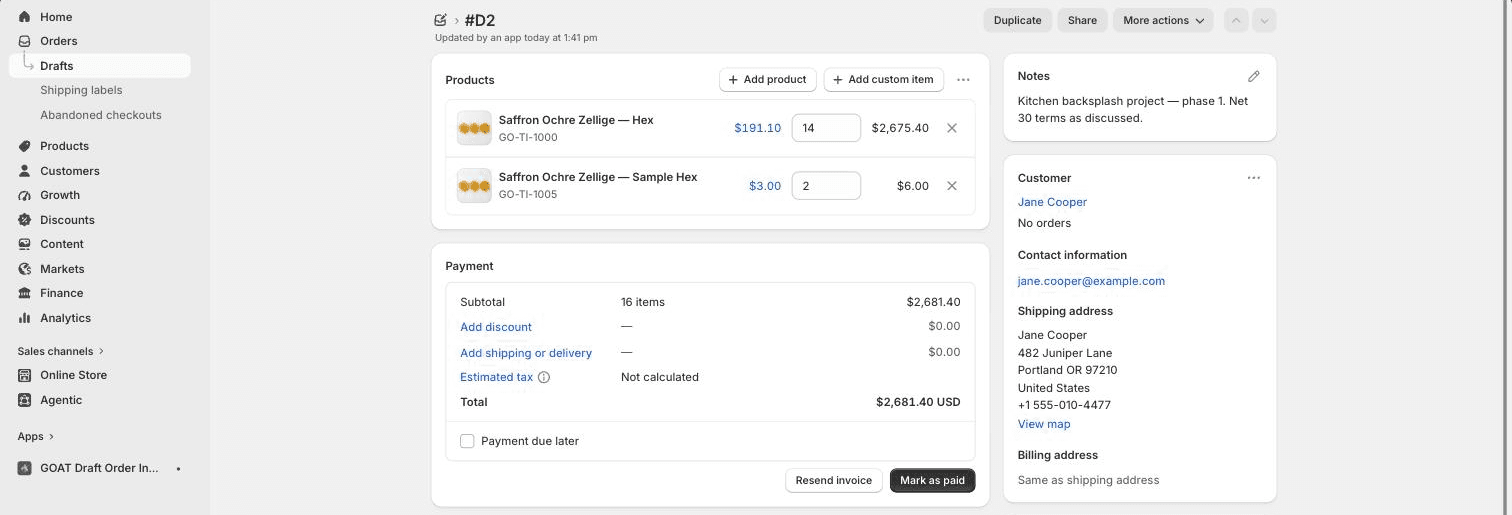
Create a draft order the way you normally do, from Orders → Drafts in your Shopify admin (or at POS, or by converting a quote request inside the app). Make sure the draft order has a customer with an email address attached; the app matches invoices to logged-in customers by email.
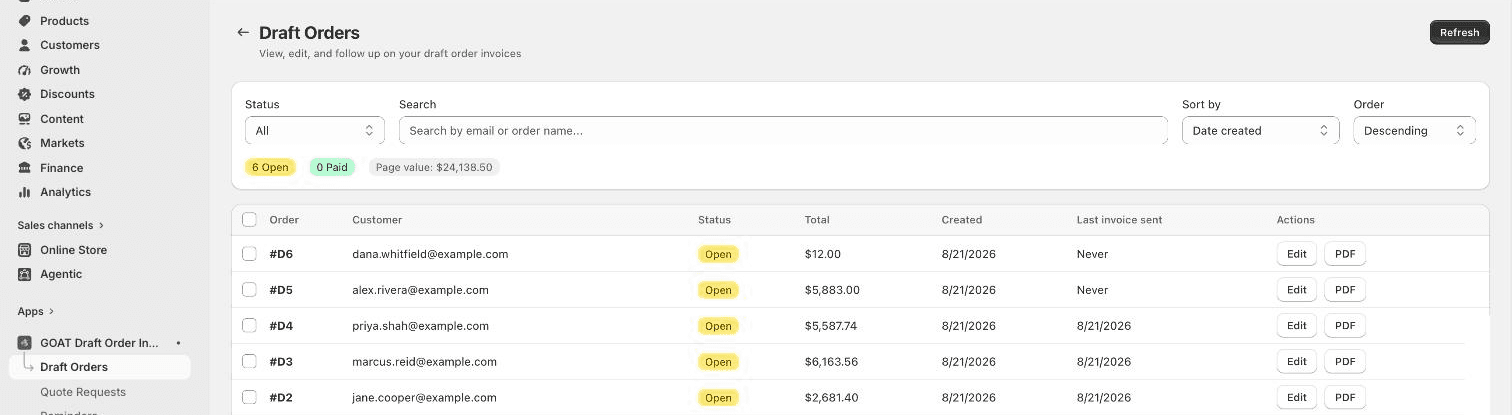
The draft order syncs to the app automatically. You can see it in the app under Draft Orders, with its status, total, and when the invoice was last sent, plus search, status filters, and one-click PDF downloads.
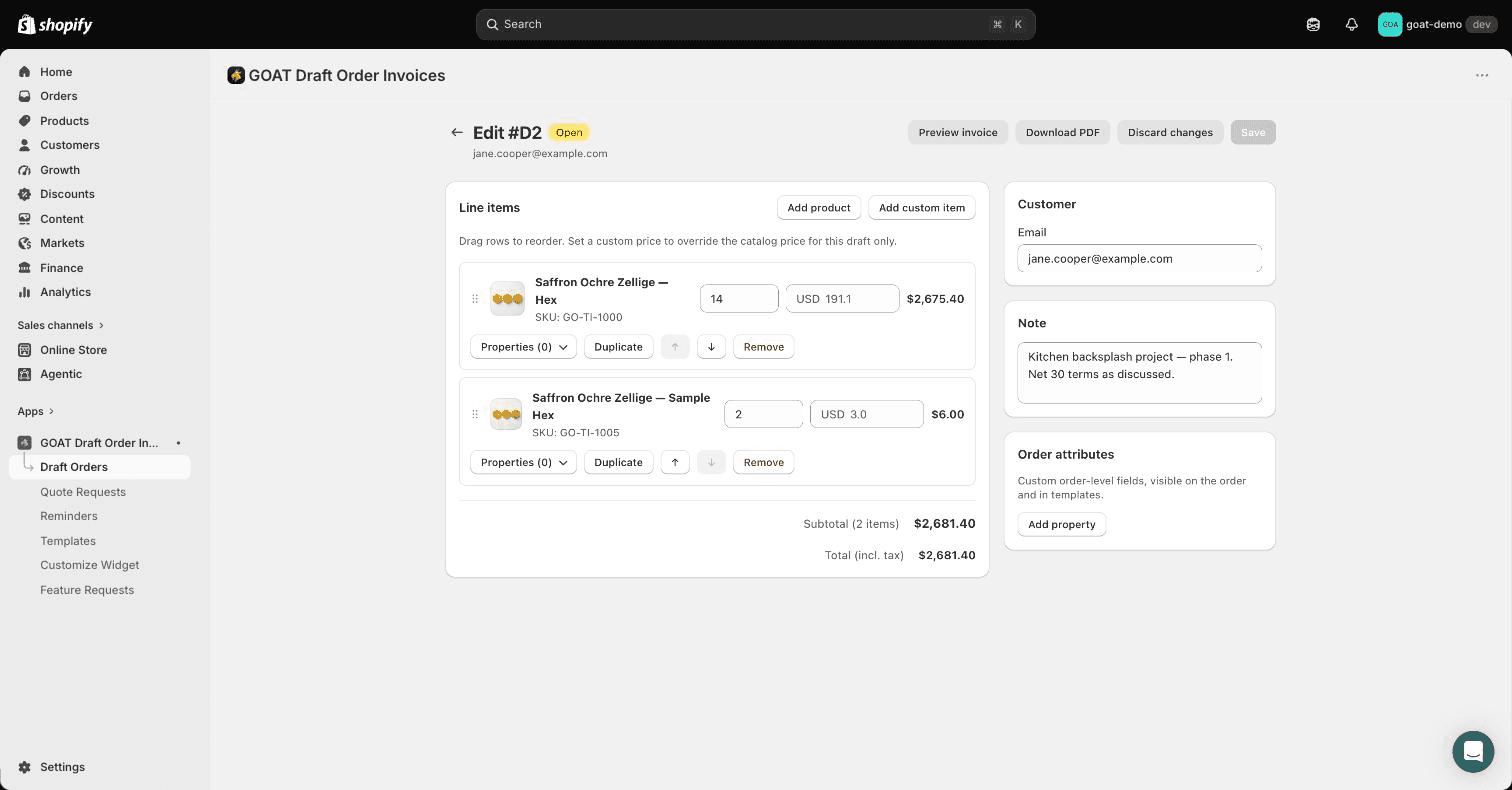
Open a draft in the app to edit line items and quantities, set custom prices, apply reusable line item properties or order attributes from your saved templates (Templates in the app's navigation), and check its email history.
2. Send the invoice
Send the invoice from the draft order in Shopify (or from the draft's page inside the app). Shopify emails the customer a secure invoice checkout link, and the app records when the invoice was sent.
Once an invoice has been sent:
- It appears in the Open Invoices widget on the customer's account page, with a Pay Now button that opens the same secure checkout link.
- Payment reminders are scheduled automatically if you have them enabled.
- The customer can download a PDF copy of the invoice.
Not ready to email anything? You can also surface a draft in the customer's invoice list without sending an email - or hide one again while you make revisions - using the Invoice visibility block on the draft order page.
3. Track views and payment
The app tracks activity on each invoice:
- Invoice views: the dashboard counts how often customers view their invoices in the widget, and shows conversions over the last 30 days.
- Email history: every invoice and reminder email is logged per draft order with delivery, open, and click status, so you can see exactly what a customer received.
When the customer pays, Shopify completes the draft order into a regular order. The invoice drops off the customer's open invoice list and any pending reminders stop automatically.