
Creating customer tiers
Use tiers in B2B Onboarding & Wholesale to give different discounts, price lists, and settings to different groups of Shopify customers.
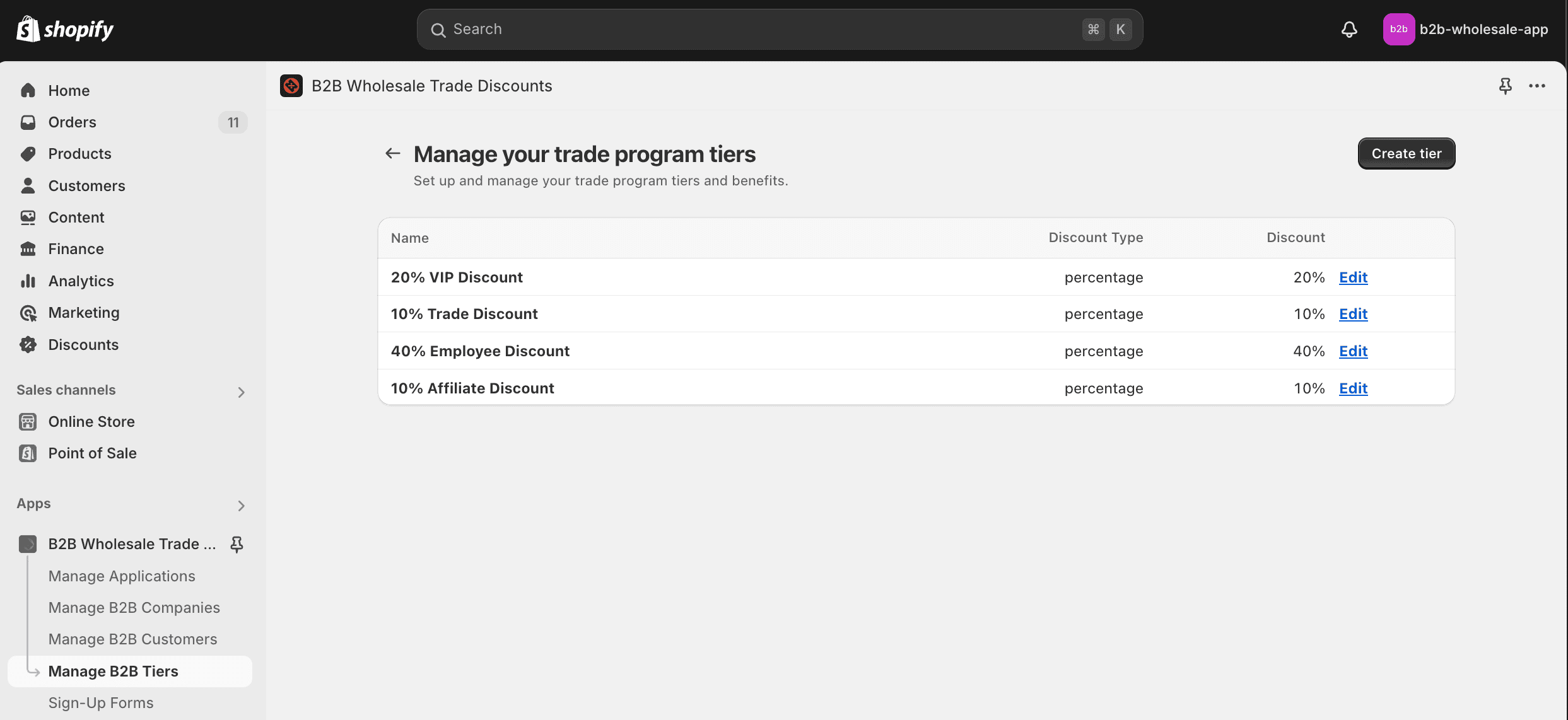
Your B2B trade program can leverage Tiers to provide different discounts and settings to different groups of customers. When a customer is assigned a tier, they automatically get the discount applied to items in their cart as they shop!
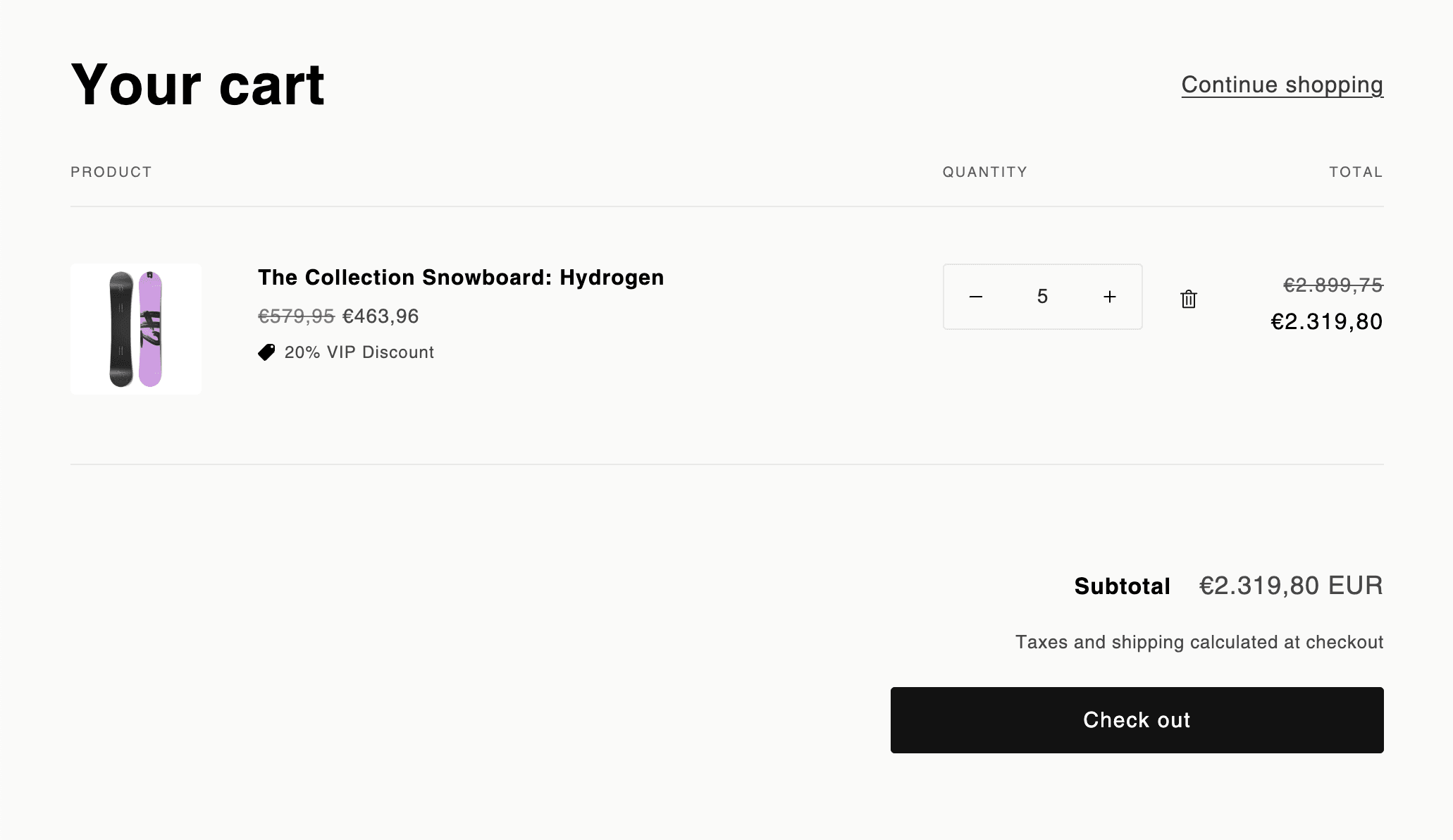
Currently the tier default discount supports percentage and fixed discounts.
On the tier details page you can also modify Price Lists, which give you the ability to assign specific prices to products and quantity discounts. Simply run an export, and use the columns for price and quantity next to each product variant to assign prices.
Price Lists expect prices to be input in the default currency for the shop in whole units, not cents. Should you need to input prices with fractional representation, you can do so still, e.g. 499.99.
Please read and submit suggestions to the product roadmap - we're planning on implementing features for minimum and maximum orders, price sheets and product exclusions at the Tier level very soon!
Installation
Install B2B Onboarding & Wholesale from the Shopify App Store, create your first sign-up form and tier, and add the app to your Online Store.
Creating your first sign-up form
Build a customizable wholesale sign-up form to start onboarding Shopify customers to your B2B, wholesale, or trade program.