
Templates
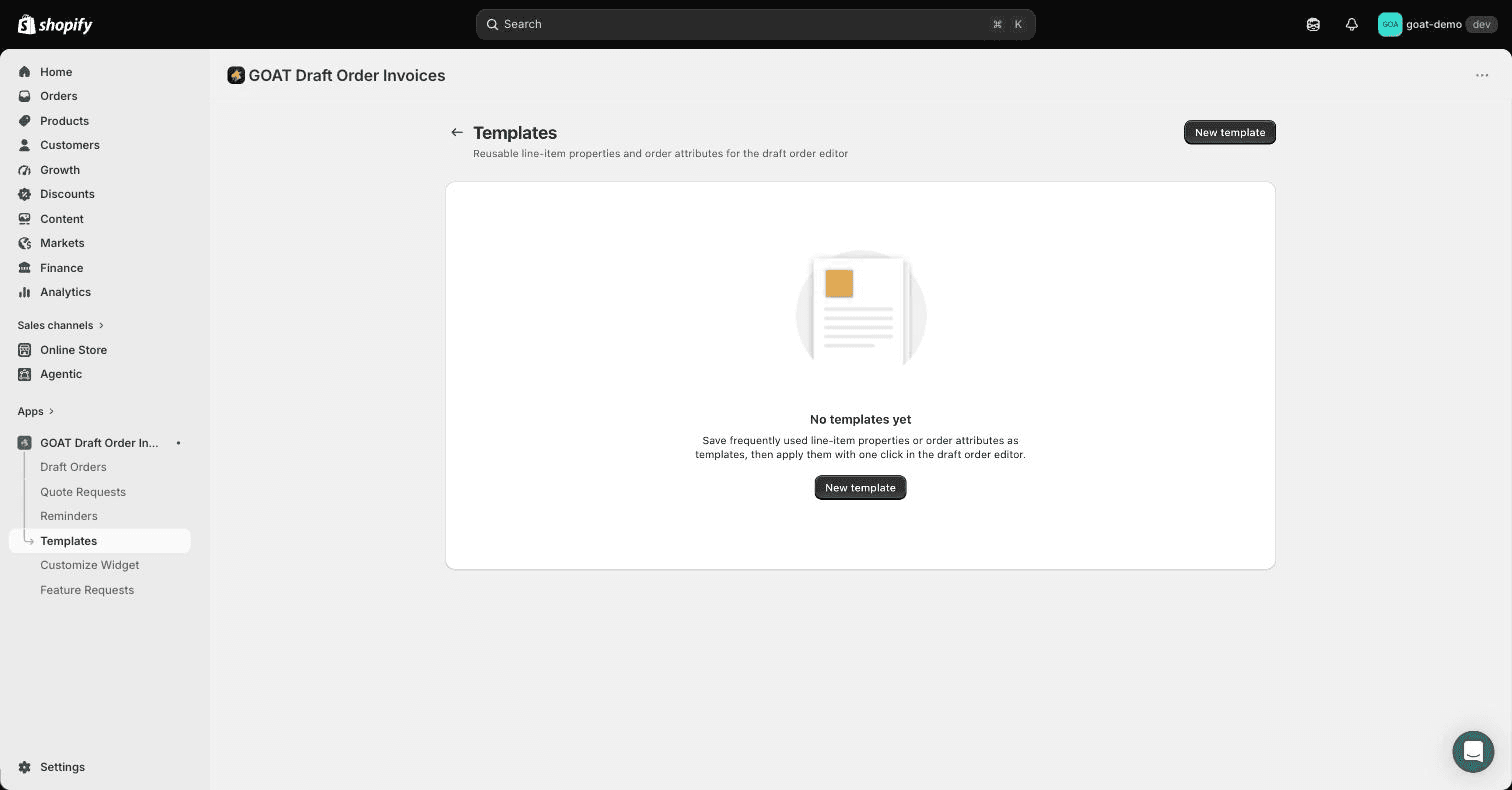
Create reusable line-item properties and order attributes you can apply with one click in the Shopify draft order editor.
If your draft orders keep needing the same custom fields - engraving options, PO numbers, delivery instructions, job-site references - save them once as a template and apply them with one click while editing a draft.
There are two template types:
- Line item properties attach to individual products on the draft (for example an "Engraving text" property on a specific line).
- Order attributes attach to the whole draft order (for example a "PO number" the buyer's accounting team needs on the invoice).
Creating a template
- Open the app and go to Templates in the app's navigation.
- Click New template.
- Name it, pick Line item properties or Order attributes, and add your properties. Each property has a name and an optional default value.
- Save.
Applying a template
Open any draft under Draft Orders in the app. While editing:
- apply a line item properties template from a line item's Properties control, then fill in the values for that line
- apply an order attributes template from the Order attributes card, then fill in the values for the draft
The properties save onto the real Shopify draft order, so they show up on the order and in your Shopify email templates like any other draft order property.
Connect Klaviyo
Send draft order invoice, reminder, payment and quote request events to Klaviyo so you can trigger flows from them and keep invoiced customers out of abandoned checkout emails.
Invoice PDFs
Generate downloadable PDF invoices for Shopify draft orders, so merchants and customers can save or print a copy of any invoice.